Bokeh Blur
Bokeh Blur creates the loose blur effect for objects outside the depth of field.

Add a Bokeh Blur Object
To add a Bokeh Blur object:
- Go to the Hierarchy panel
- Click the Add object button [+]
- Go to Post Effect
- Select Bokeh Blur
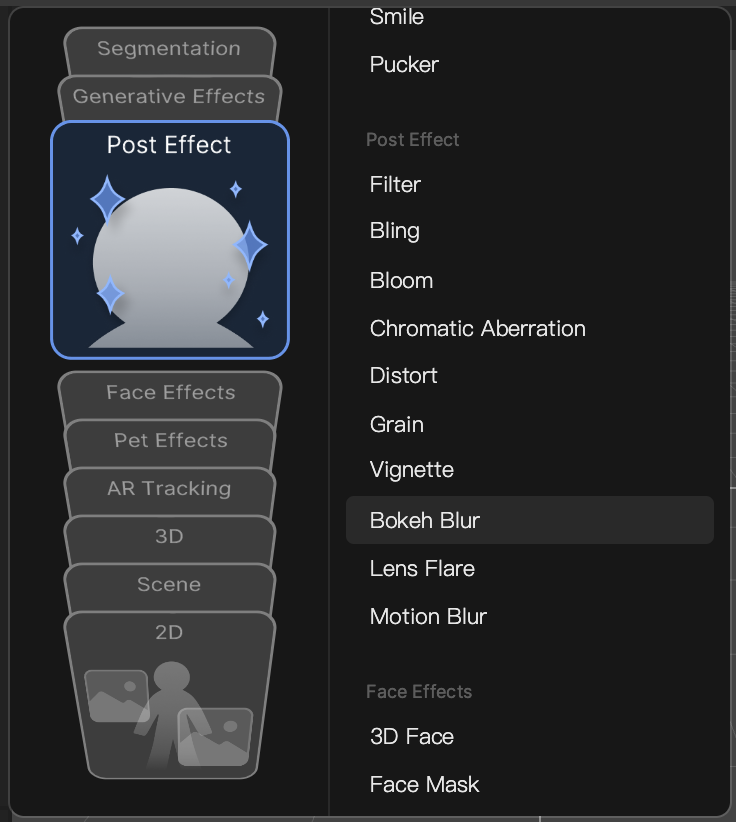
A Camera component and Post Process component are automatically added in the Inspector panel.
Object Hierarchy
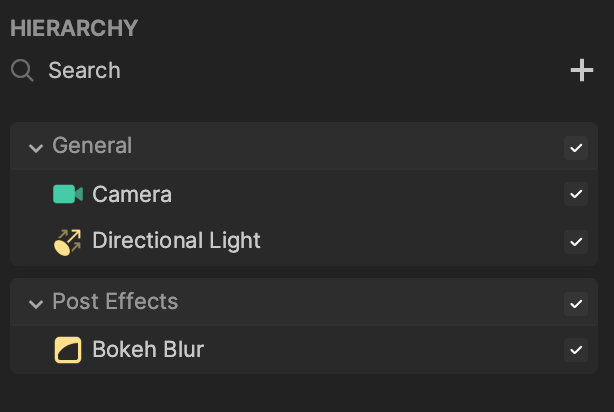
Starting in Effect House v2.0.0, the Bokeh Blur object is automatically added to the Post Effects render group in the Hierarchy panel. Learn more about render groups.
<
Components
The Bokeh Blur object is made up of the following components, found in the Inspector panel:
- Post Process, with a Bokeh Blur effect applied.
- Transform
- Camera