Navigating Effect House
The Home Screen
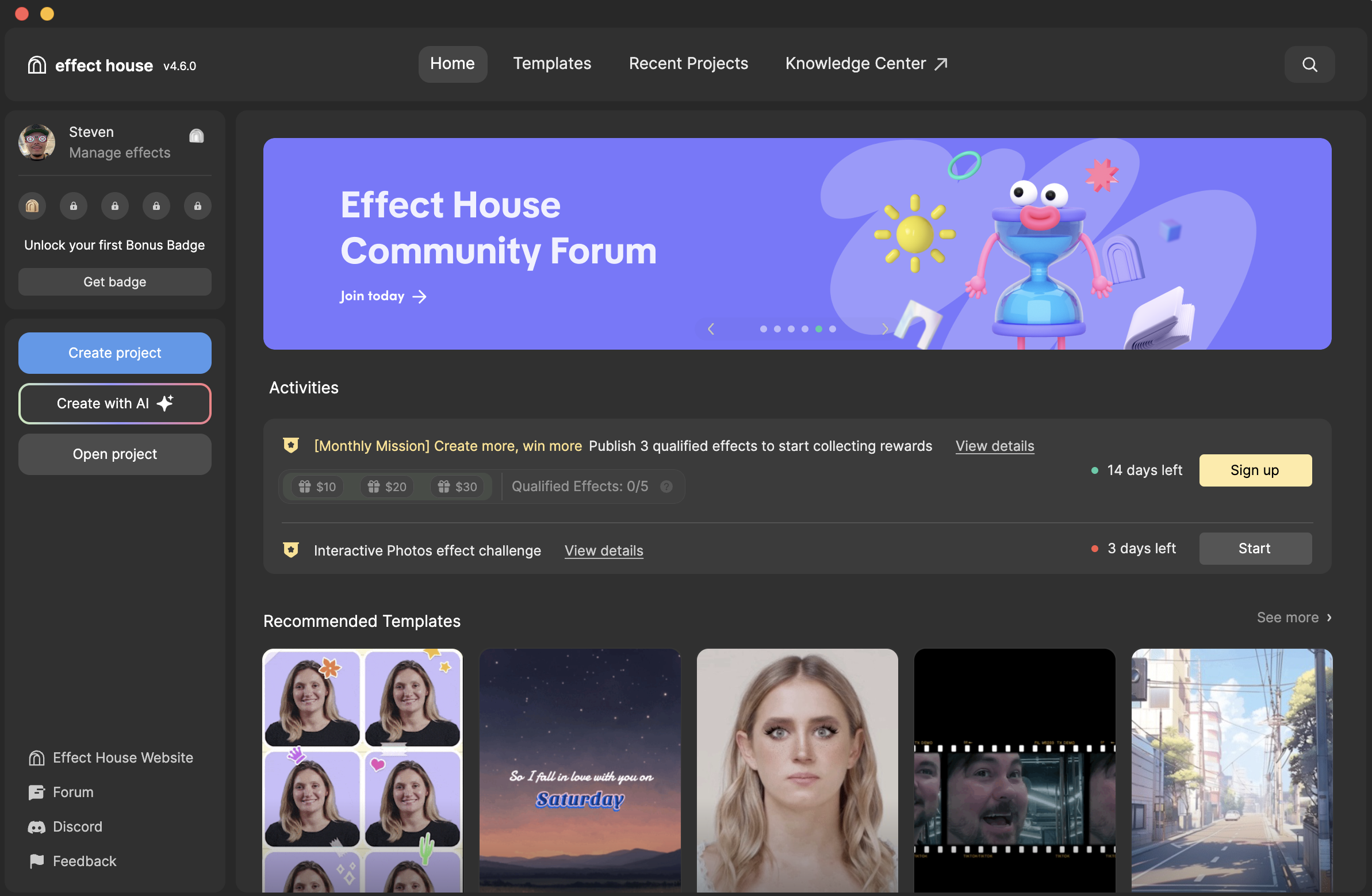
Welcome to Effect House! Once you're logged in, you will be able to see the home screen when you open Effect House.
- Templates: Contains a library of premade effects that you can customize to create your own
- Knowledge Center: Directs you to the Learning Resources page on the Effect House website, where you can access guides, videos, and tutorials
- Recent Projects: Lists your most recently worked-on projects
- Create project: Opens a new, empty project so you can build your effect from scratch
- Create with AI: Opens an AI-powered assistant to help you create effects using prompts
- Open project: Prompts you to choose a saved project file from your computer
- Effect House website: Directs you to the Effect House website, effecthouse.tiktok.com
- Feedback: Opens a feedback form for you to submit questions, comments, and concerns.
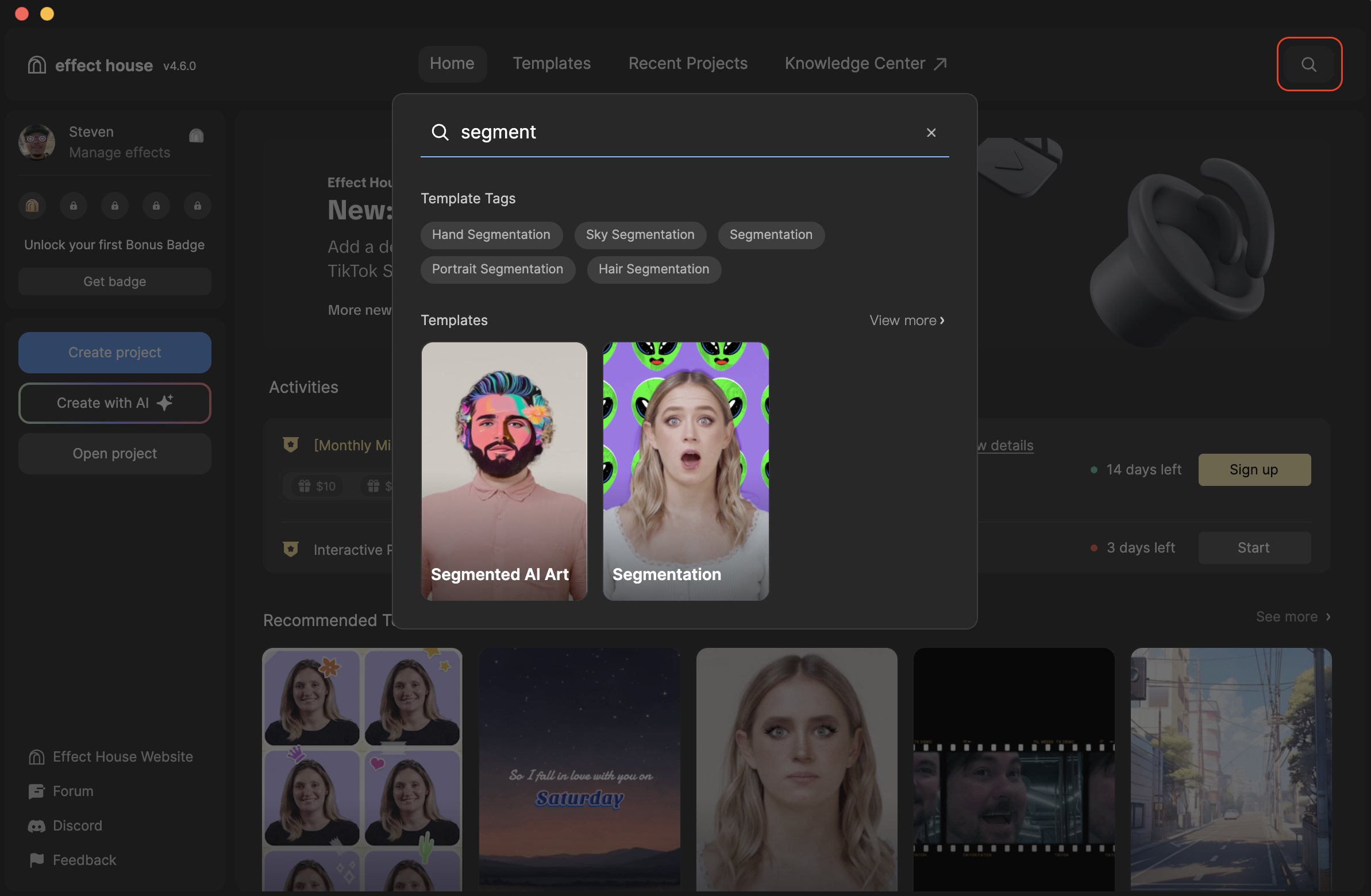
Click the Search icon in the upper-right corner to search for templates, template tags, and recent projects.
Click on Create project to open up a brand new workspace and start creating effects! Learn more about working in Effect House, and how each element of the Effect House can help you build awesome effects.